Restaurants & Dining

Control the guest experience from opening to closing. Lighting, music, displays, patio zones, security, and a dependable POS network work from one technology plan.

Explore technology for restaurants.

Select a topic to see how it supports the people, spaces, and day-to-day work in your building.

POS network

Keep payment terminals, ordering stations, and business systems connected through a deliberately planned network. Separate guest access from operational traffic, coordinate device locations and cabling, and document who supports each part of the service.

Connect checkout terminals, ordering stations, and supported kitchen systems while keeping guest Wi-Fi separate. Plan cable locations, peak-service demand, and responsibility for payment-provider outages.

Discuss this for your project
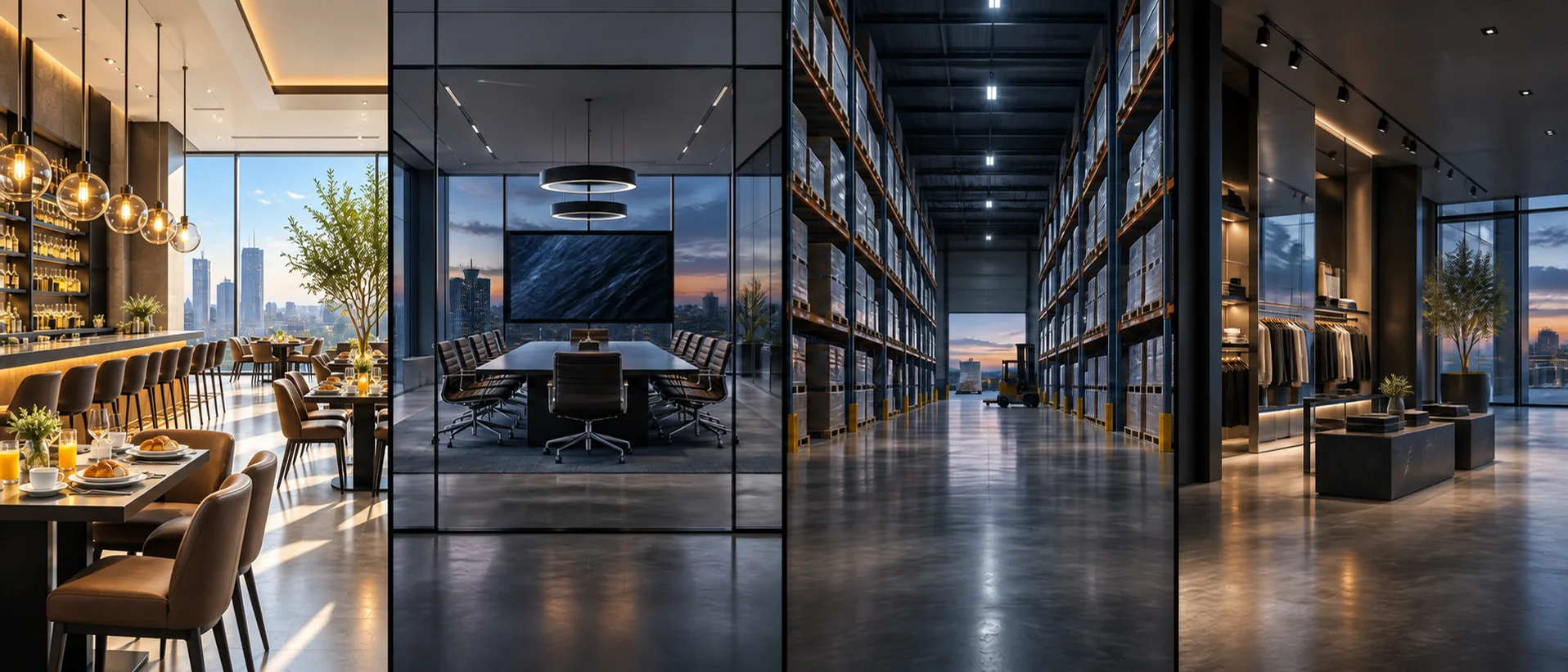
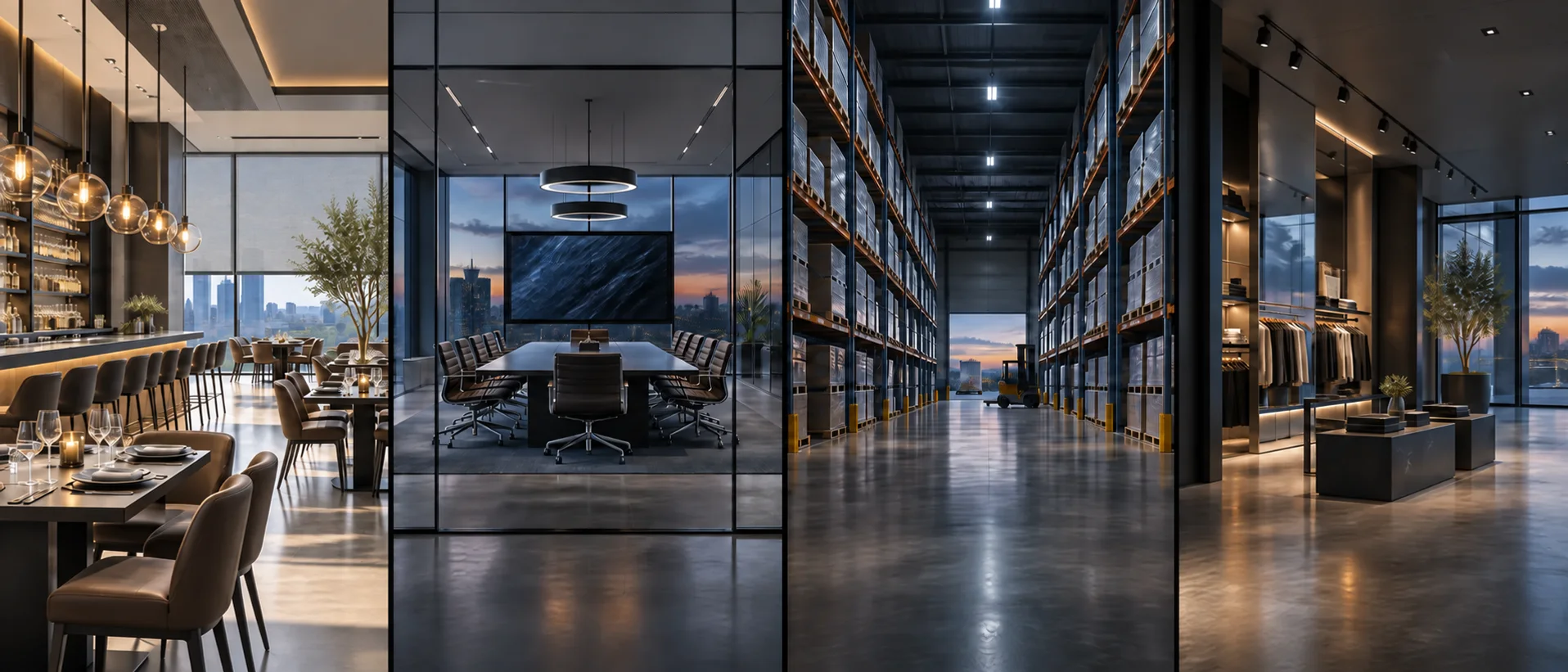
A scene for every part of the day.

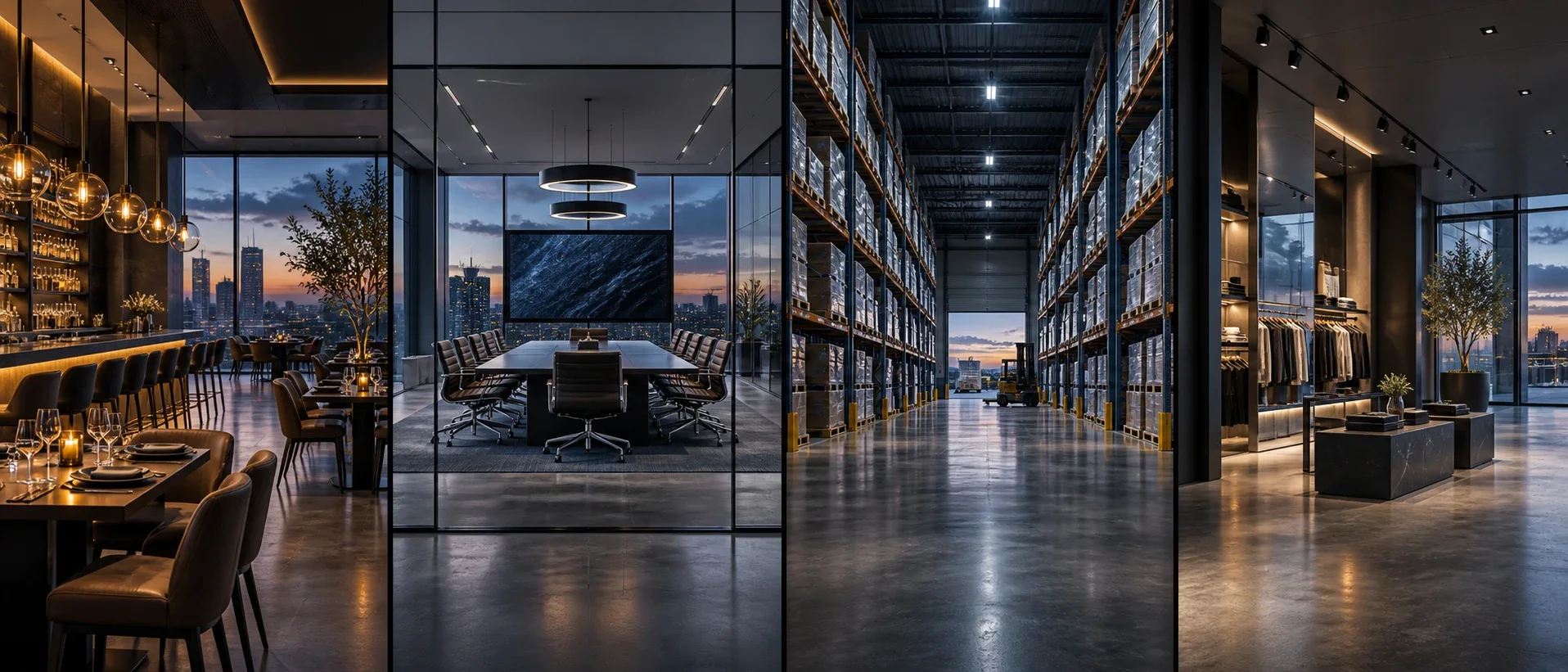
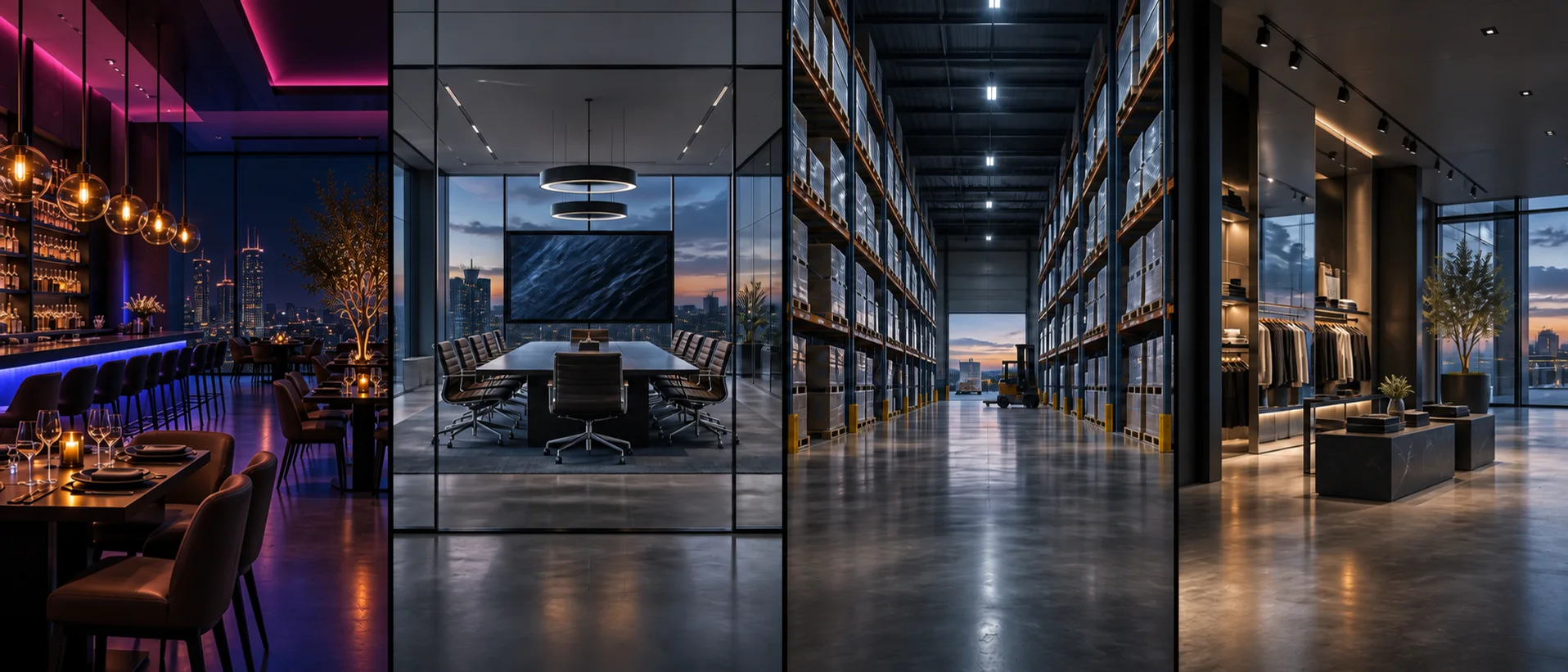
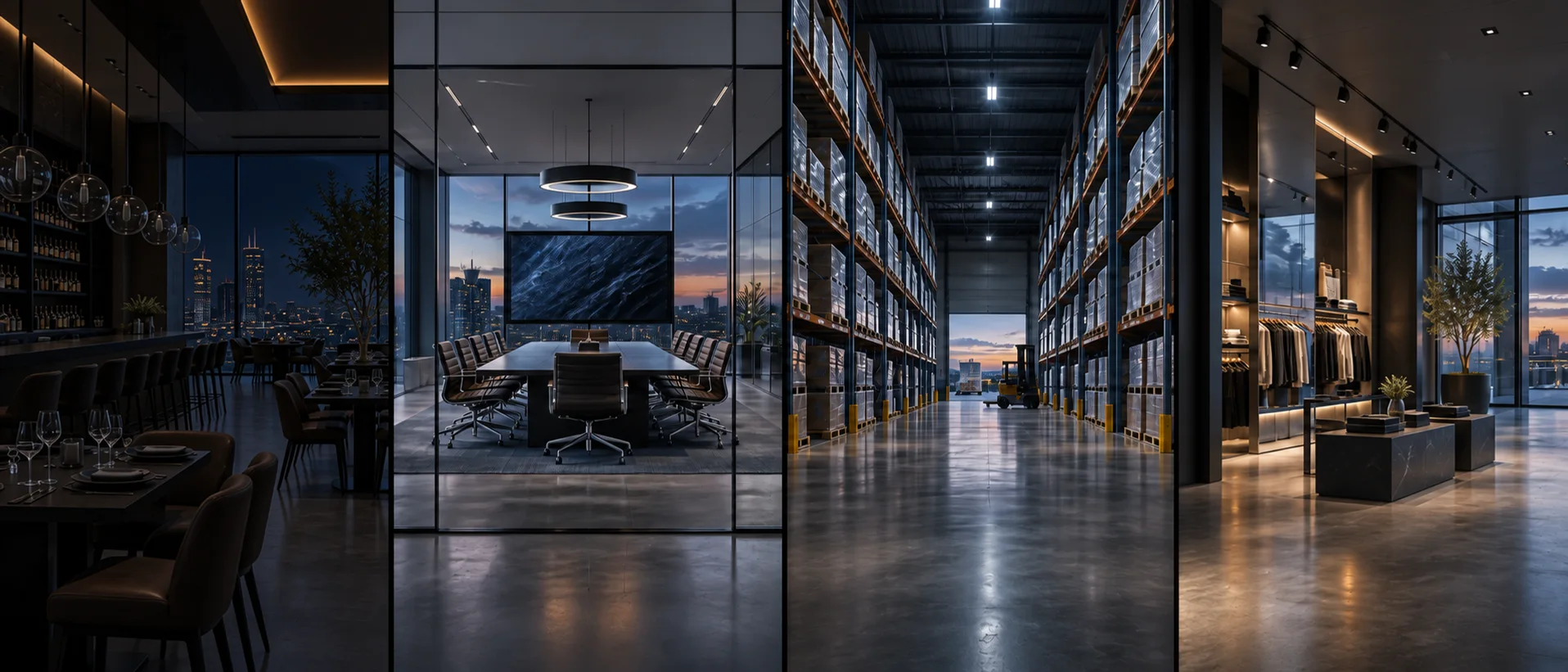
Commercial restaurant and bar: Dimmed dining and architectural accents
Dinner.

CHANGE THE ATMOSPHERE

One scene. Every detail considered.

  • LightingDimmed dining and architectural accents
  • AudioEvening playlist, tailored zone volumes
  • Video & signageEvening menus and selected displays
  • PatioWarm patio ambience
  • ShadesSet dining privacy and evening window positions
Independent zones

Example workflow. Final scenes depend on the equipment, operating plan, and staff permissions.

Built around your day.

Less time managing technology. More attention on the people and work it supports.

Ready before the first guest.

Give your opening team a repeatable way to prepare the dining room, bar and patio.

An opening scene can set lights and shades, start the right music zones and bring menus onto supported displays.

Keep service moving.

Let staff adjust the atmosphere without interrupting the systems that take orders and payments.

Separate guest Wi-Fi from business traffic, then give authorized staff simple controls for dining, bar and patio audio.

Close with a clear handoff.

Make the transition from a busy service to an empty building easier to manage.

A closing routine can turn off selected AV, leave cleaning lights on and surface door or system alerts for the responsible person.

Examples of what we can plan together. Final functions depend on the equipment, integrations and scope selected for your project.

Foundation. Performance. Continuity.

Typical starting architecture — finalized after discovery, plan review, or site assessment. These are not fixed-price bundles.

Foundation

The infrastructure needed to establish a secure, organized, supportable commercial system.

  • POS network separation
  • Staff and guest Wi-Fi
  • Cameras and NVR
  • Back-office connectivity
  • Basic digital signage

Performance

Additional capacity, integrations, and operational visibility for the way the property works.

  • Transaction and video correlation where supported
  • Expanded loss-prevention views
  • Menu boards
  • Distributed audio
  • Access control
  • Inventory-area cameras
  • Door monitoring
  • Occupancy automation

Continuity

Resilience, expanded retention, support, and lifecycle planning for higher operational demands.

  • Backup WAN
  • Expanded retention
  • Multi-location standards
  • Centralized visibility
  • Configuration backup
  • Managed reviews
  • Storage expansion plan

Add only what the operation needs.

  • Dining room
  • Bar
  • Patio
  • Lobby
  • Restrooms
  • Kitchen
  • Private dining
  • Exterior
  • Shopify-compatible workflows where supported
  • Freezer or environmental sensing
  • Drive-through connectivity
  • Patio Wi-Fi
  • Multi-location signage
  • Video security
  • NVR
  • Digital signage
  • Audio
  • Access

Coordinate before finishes set the limits.

Coordinate POS drops, ceiling and exterior camera views, speaker zones, menu-board power and blocking, back-office rack space, and service-provider pathways early.

Protect the active operation.

Map payment, guest, security, audio, and signage traffic before migration, then phase work to preserve operating hours and retain serviceable cabling.

A system another qualified person can understand.

  • Scope and equipment schedule
  • Architecture and device maps
  • Rack, cable, and port schedules as applicable
  • Test and commissioning records
  • Configuration and as-built documentation
  • Defined warranty and support terms

Daylight belongs in the technology plan.

Manage glare at dining tables, set private-dining and bar privacy, and program shade positions alongside breakfast, lunch, dinner, and closing scenes. Local controls and authorized overrides remain part of the operating plan.

Explore motorized shades

Restaurants planning questions.

Can one scene change lights, music, and displays?

Yes, with compatible equipment and an agreed control sequence. Future Commercial Tech defines each zone, scene, schedule, manual override, and failure state during design.

Does a closing scene automatically arm the alarm?

Closing can show door status and prepare an arming checklist. Alarm arming and response follow the selected security system, authorized user actions, and the agreed operating procedure.

Can video be connected to POS activity?

Some platforms support transaction-to-video workflows. Future Commercial Tech validates technical compatibility and the intended review process before including them.

Does a camera alert prove theft?

No. Video and transaction data can support exception investigation and operational review, but organizations remain responsible for fair policies and conclusions.

Let’s build your technology backbone.

Tell us about your building, your business, and what needs to work better.